Bright Start1.30
Publisher Description
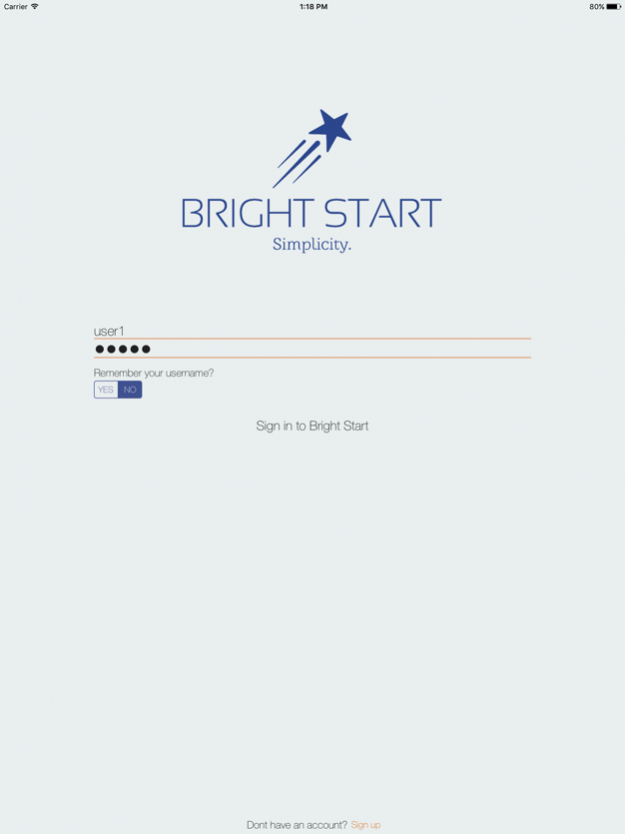


Bright Start offers a tool to effectively run nursery schools.
This app removes the laborious tasks that would otherwise consume time and energy on a day to day basis.
Bright Start not only saves time but also introduces accuracy and precision by eliminating the possibility of human error, leaving nursery school teachers with more time to spend caring for children.
Additionally, Bright Start introduces a layer of security by enabling nursery schools to authenticate anyone wanting to sign out a child.
In a brief summary, Bright Start offers the ability to sign children in and out, forecast ahead, create invoices, accept payments and keep track of general accounting.
In addition to the features mentioned above, Bright Start offers many other ways that can help run nursery schools become more efficient. To learn more please visit www.brightstartsoftware.com
Last but not least, we would like to give special thanks to icons8.com who have provided us with our icons.
Jan 10, 2019 Version 1.30
This update introduces a layer of security to better protect your information.
About Bright Start
The company that develops Bright Start is Brandon Young. The latest version released by its developer is 1.30.
To install Bright Start on your iOS device, just click the green Continue To App button above to start the installation process. The app is listed on our website since 2019-01-10 and was downloaded 2 times. We have already checked if the download link is safe, however for your own protection we recommend that you scan the downloaded app with your antivirus. Your antivirus may detect the Bright Start as malware if the download link is broken.
How to install Bright Start on your iOS device:
- Click on the Continue To App button on our website. This will redirect you to the App Store.
- Once the Bright Start is shown in the iTunes listing of your iOS device, you can start its download and installation. Tap on the GET button to the right of the app to start downloading it.
- If you are not logged-in the iOS appstore app, you'll be prompted for your your Apple ID and/or password.
- After Bright Start is downloaded, you'll see an INSTALL button to the right. Tap on it to start the actual installation of the iOS app.
- Once installation is finished you can tap on the OPEN button to start it. Its icon will also be added to your device home screen.
Program Details
System requirements
Download information
Pricing
Version History
version 1.30
posted on 2019-01-10
Jan 10, 2019 Version 1.30
This update introduces a layer of security to better protect your information.
